PRACTICE AUTOMATION
Clinic Automation Software for Allied Health Administration
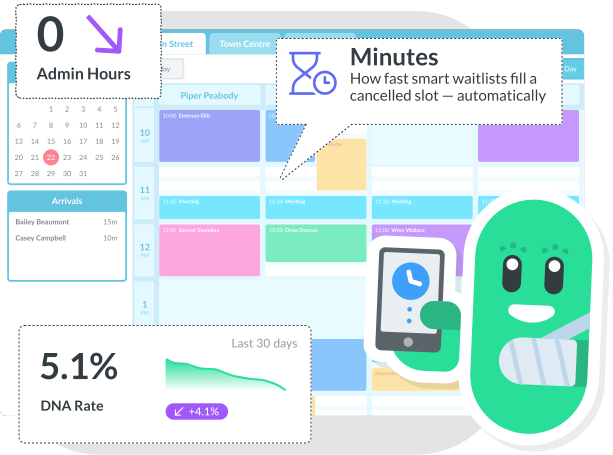
Nookal’s clinic automation tools keep your diary full, reduce no-shows, and manage repetitive admin by connecting bookings, reminders, recalls and documentation in one seamless workflow. Your team can spend more time with patients and less time chasing tasks.

Reminders
Automated SMS & Email

RECALLS
By appointment type & plan

WAITLISTS
Auto-fill cancellations

INTAKE
Digital forms, no paperwork

AI NOTES
Faster clinical documentation
REDUCE NO-SHOWS
Automated Patient Reminders That Keep Your Diary Full
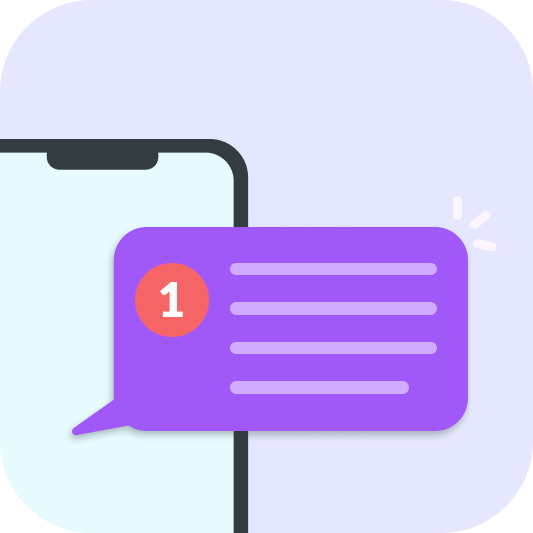
Nookal sends patients automated appointment confirmations and reminders before their appointment. With the right appointment reminder schedule in place, DNA rates consistently decrease and your team stops firefighting last-minute changes.
- Confirmation message upon booking
- Multiple reminders before an appointment
- Customise SMS and email templates to suit the service or class
- Include easy rescheduling links to reduce cancellations
- Adjust cadence based on appointment details
- Automatically send patient forms based on the service type
AI CLINICAL DOCUMENTATION
Patient Recall Software That Fills Gaps Automatically
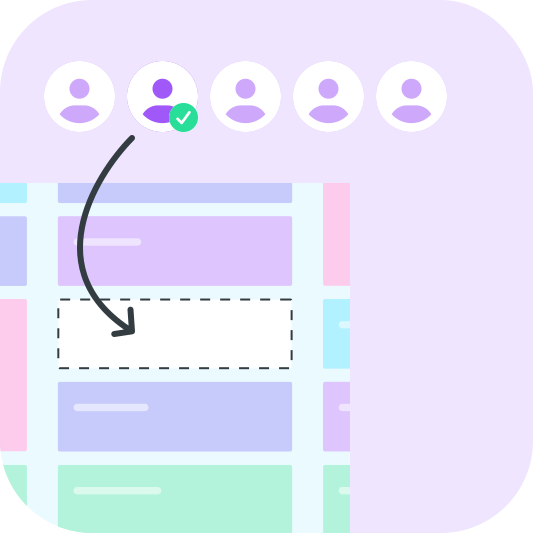
Automated patient recalls prompt patients to rebook at the right time. When a cancellation opens, Nookal’s patient recall messaging software notifies waitlisted patients automatically — empty slots are often refilled within minutes.
- Consistent follow-up without manual chasing
- Fewer gaps in the calendar — more predictable revenue
- Improved patient retention across all appointment types
- Waitlist auto-notification when a cancellation opens
REDUCE FRONT DESK ADMIN
Online Bookings and Digital Intake Forms That Work Before Patients Arrive
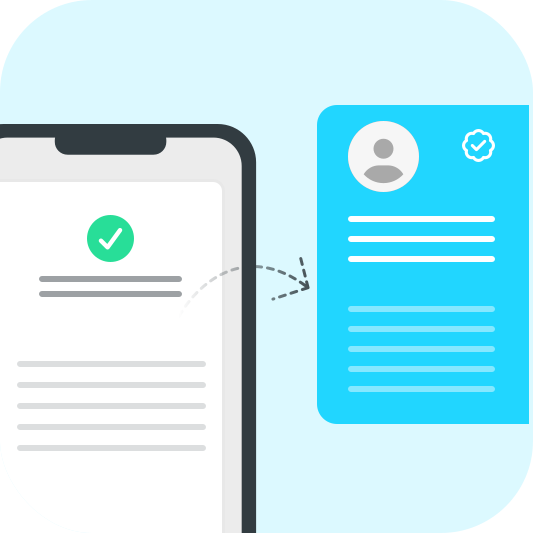
Online bookings show a no-show rate of just 1.8% vs 5.9% for phone bookings. Nookal’s digital intake forms are completed before the appointment and update patient profiles automatically — so your team starts every session with the right information already on hand.
- Allow patients to self-book 24/7 matching your real availability
- Digital intake forms completed before arrival — no paperwork on the day
- Patient profiles updated automatically from form responses
- Practitioners access patient details before each session
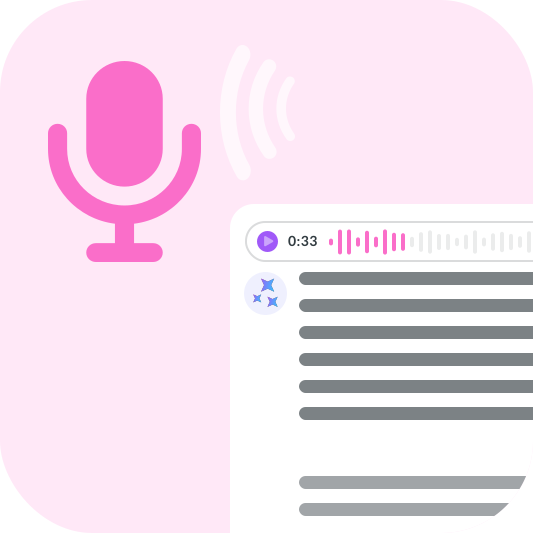
AI CLINICAL DOCUMENTATION
Smarter Clinical Documentation: Faster Notes, More Time for Patients
Nookal’s AI-powered tools streamline note taking and record keeping, helping practitioners create accurate, compliant documentation more efficiently — without it taking time away from patients.
- AI-assisted notes linked directly to appointments and patient records
- Compliant documentation without the manual burden
- Centralised multi-provider coordination from one calendar view
COMPLETE PRACTICE AUTOMATION
Clinic Workflow Automation:
Everything Connected
Bring it all together with Nookal’s practice automation — your diary stays full and
your team spends less time chasing tasks.

Reminders
Automated SMS & Email

RECALLS
By appointment type & plan

WAITLISTS
Auto-fill cancellations

INTAKE
Digital forms, no paperwork

AI NOTES
Faster clinical documentation
COMMON QUESTIONS
Clinic Automation —
Frequently Asked Questions
Clinic automation software handles the repetitive admin tasks in a healthcare practice automatically — including sending patient reminders, managing recalls and waitlists, collecting digital intake forms, and supporting clinical notes. It reduces manual work for your team so they can spend more time on patient care.
Automated patient reminders send SMS or email notifications at the right time — typically 24 hours before and on the day of an appointment — so patients receive the information when they are most likely to act. A consistent reminder cadence removes the variability of manual follow-up, keeping your diary full and reducing DNA rates. Industry research shows online-booked appointments have a no-show rate of just 1.8%, compared with 5.9% for phone bookings.
Patient recall software automatically prompts patients to rebook when it is time for their next appointment, based on their treatment plan or appointment type. It can also notify waitlisted patients when a cancellation opens up, filling gaps in the diary within minutes rather than hours.
Clinic workflow automation connects your booking, reminder, recall, and documentation processes so they run automatically without manual input. When a patient cancels, the waitlist is notified. When an appointment is booked, reminders are scheduled. When a session ends, clinical notes are supported by AI. The result is a diary that stays full and a team that spends less time reacting to changes.
Yes. Nookal is built for allied health practices across physiotherapy, occupational therapy, psychology, chiropractic, podiatry, speech pathology, and more. The automation tools — reminders, recalls, waitlists, and digital intake — are fully customisable for different appointment types and treatment plans.
Nookal News
Stay in the know.
-

Clinic Checklist to Wrap Up the Year: A Guide for Practice Managers
As soon as December hits it can feel like a mad dash to the end of the year. Between wrapping…
-
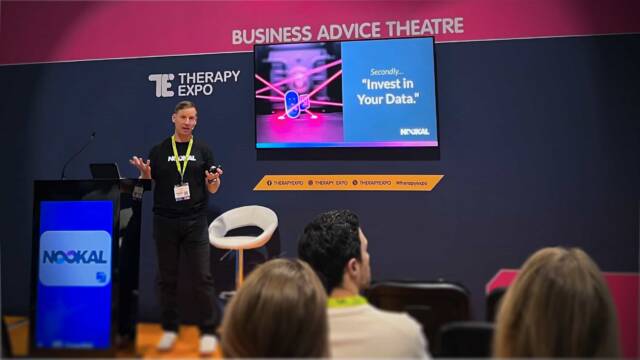
Therapy Expo 2025 Recap: Clinic Growth, Marketing Tips & AI Insight
The Therapy Expo 2025 brought together allied health professionals keen to hear from expert speakers and collect insights they can…

Start Your Free Trial Today
Sign up and start streamlining your practice with Nookal.
- Please enter your first name.
- Please enter your last name.
- Please enter your email address.
- Please enter a valid email address.
- Please select your country.
- Please enter your company name.
- Please enter your phone number.
- You must consent to the terms and policies.
If you don’t receive the email within 5 minutes, please check your junk mail folder or email support@nookal.com.
We’ve emailed a 6-digit code to . Enter it below to start your trial.
Didn’t get it? Resend code · Use a different email
This site is protected by reCAPTCHA and the
Google Privacy Policy and Terms of Service apply.