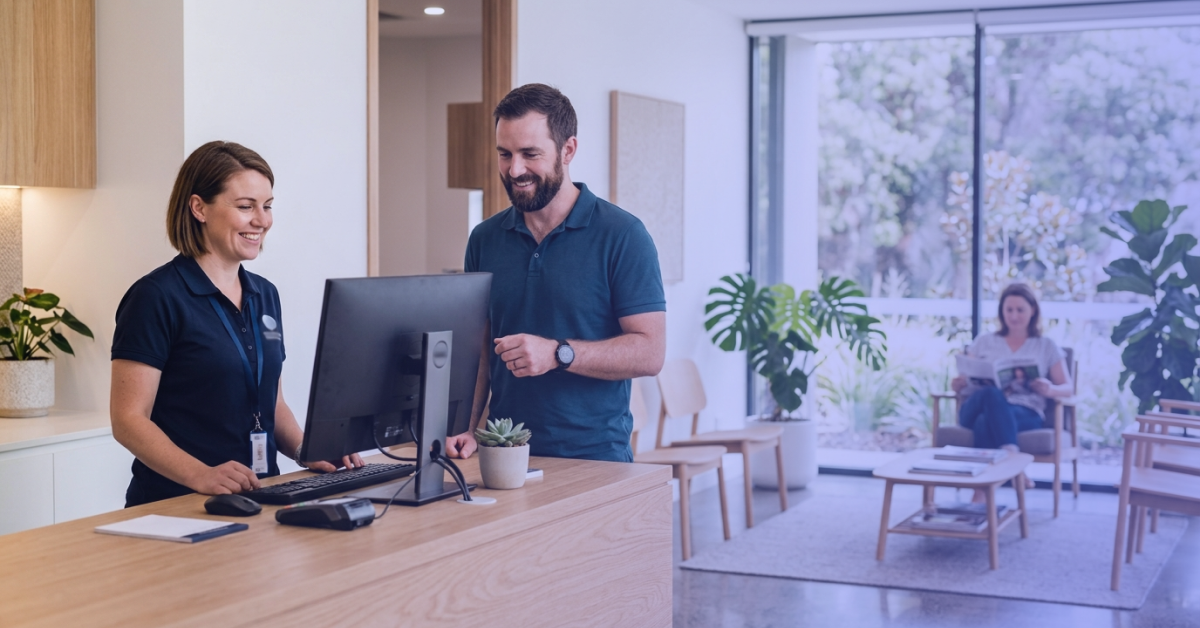
If you’re looking for software to help manage your healthcare practice, you are likely to come across specialist healthcare software like Nookal and generic CRM platforms. At first glance, they can seem similar. Both can store data, automate communication and help teams manage day-to-day tasks. But they are designed around very different needs.
A generic CRM is generally built around managing customer relationships and sales activity. Allied health software is built around the workflows of a healthcare practice, from appointments and patient records to billing and clinical documentation.
The appeal of a generic CRM is understandable. It can be flexible, customisable and useful for managing contacts and communications. But an healthcare practice is more than a business with a list of customers. It has patients, practitioners, appointments, clinical records, billing and workflows that all need to work together.
This article looks at the key differences between the two, what each type of software is designed to do, and what to consider when choosing the right system for your healthcare practice.
What Is a Generic CRM?
A generic CRM, or customer relationship management system, is designed to help businesses manage relationships with customers and potential customers. It typically brings customer and contact information into one place, making it easier for teams to keep track of interactions and follow-ups.
CRMs are commonly used to manage leads and prospects, track sales pipelines, schedule follow-ups and record communications. They can also help businesses map customer journeys, automate certain communications and report on sales activity and customer interactions.
These tools can be useful for managing relationships and keeping customer information organised, particularly for businesses focused on sales and customer acquisition.
However, an healthcare practice has requirements that go beyond tracking contacts and communications. For example, healthcare practices need to manage:
- Appointments
- Patient records
- Clinical documentation
- Billing and claiming
Along with these core tasks, practices have other workflows that need to work together. This is where software designed specifically around the way healthcare practices operate can make a difference.
What is Healthcare Software?
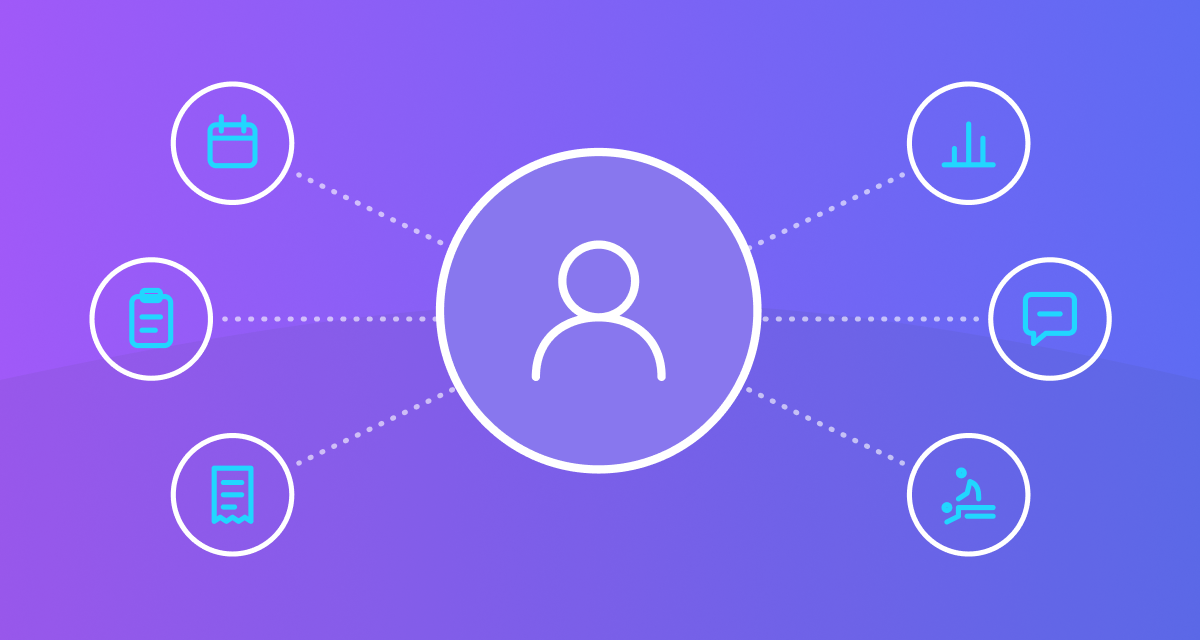
Allied health software is designed around the way healthcare practices actually operate. Instead of starting with leads and sales pipelines, it starts with patients, appointments, practitioners and clinical workflows.
Specialist healthcare software brings these functions together in a way that is designed around the needs of a healthcare practice.
For example, it can include tools for:
- Appointment scheduling
- Clinical documentation
- Billing and claiming
- Reporting and analytics
- Patient communication
- Practitioner workflows
The focus is on supporting the complete practice workflow, rather than primarily managing contacts and customer relationships. This can help keep the different parts of a practice connected, from booking an appointment through to documenting the consultation, processing payment and reviewing practice performance.
Healthcare Software vs CRM: The Key Differences
While both types of software can store information and automate tasks, they are built around different priorities. The main difference becomes clearer when you look at the everyday work they are designed to support.
Workflows Built Around Healthcare
Appointments are at the centre of most healthcare practices, but they are not the same as scheduling a sales meeting or setting a follow-up task.
A CRM may allow businesses to schedule meetings and manage tasks, but specialist healthcare software is designed around the scheduling needs of a clinic. This can include:
- Managing practitioner availability and clinic schedules
- Handling recurring appointments, cancellations and bookings
The same applies to the information surrounding those appointments. A healthcare practice needs to connect patients, practitioners, appointments and clinical information as part of its everyday workflow.
Having these areas connected can mean your team spends less time moving information between systems and more time getting on with the work that matters.
Patient Records and Clinical Documentation
The question isn’t whether a CRM can store clinical information. With custom fields, notes and integrations, many systems can be adapted to hold different types of information.
The more important question is whether the software is designed to support the way practitioners actually document care.
Allied health software can bring patient information, clinical records, consultation notes and other relevant documentation together as part of the clinical workflow. Depending on the platform, this may also include templates and other tools designed to make clinical documentation easier to manage.
For practices looking to reduce administrative work, having clinical information connected to appointments and other practice workflows can also reduce the need to enter or manage the same information across multiple systems.
Billing and Claiming
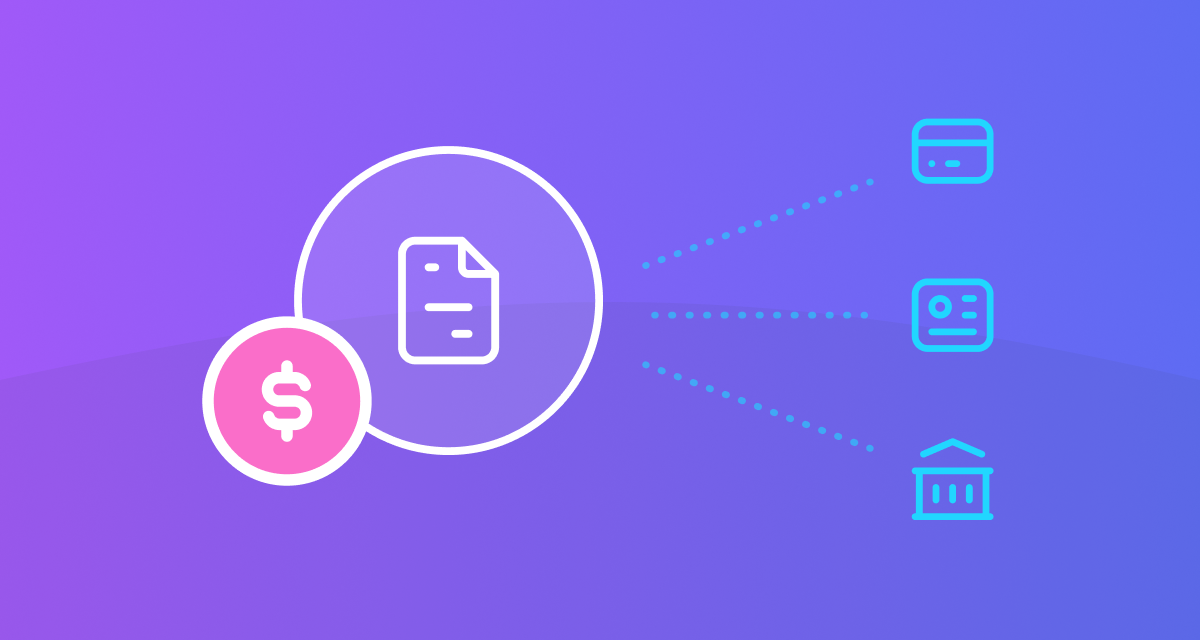
Healthcare billing is more than simply recording a sale. Depending on the type of practice and where it operates, there may be invoices, payments, claims, insurers, funders and outstanding balances to manage.
A CRM can record financial information or integrate with other systems, but billing and claiming are not usually at the centre of the platform.
Allied health practice management software can bring billing and claiming into the same workflow as appointments and patient records. This can make it easier for practices to manage payments and keep track of the financial side of their day-to-day operations.
In some markets, practices may also need to manage government-funded services, health insurers or third-party claims, adding another layer to the billing process.
Practice Reporting
A CRM is generally focused on reporting related to customers, leads, sales activity and conversions. Those reports can be valuable for understanding how a business is performing.
An healthcare practice also needs to understand what is happening across the practice itself. This might include revenue, appointments, practitioner activity, business performance and other operational information.
Practice management software can bring this information together to give owners and managers a clearer view of how their practice is performing and where there may be opportunities to improve.
Patient Communication and Automation
Both CRMs and healthcare software can automate communication, but the purpose behind those communications can be quite different.
A CRM might be used to send sales follow-ups, marketing emails or messages based on where someone is in a customer journey. In an healthcare practice, automation may be used for appointment reminders, patient communications, follow-ups and other routine administrative tasks.
For a busy practice, automating these tasks can reduce the amount of manual work your team needs to manage while helping keep patients informed. Depending on the software, this might include:
- Automated appointment reminders and confirmations
- Patient recalls and waitlist notifications when appointments become available
More advanced automation can also connect different parts of the practice workflow, such as bookings, patient communication, digital forms and documentation. Nookal’s clinic automation tools are designed to help practices automate these routine tasks and reduce the amount of manual follow-up required.
Protecting Patient Information
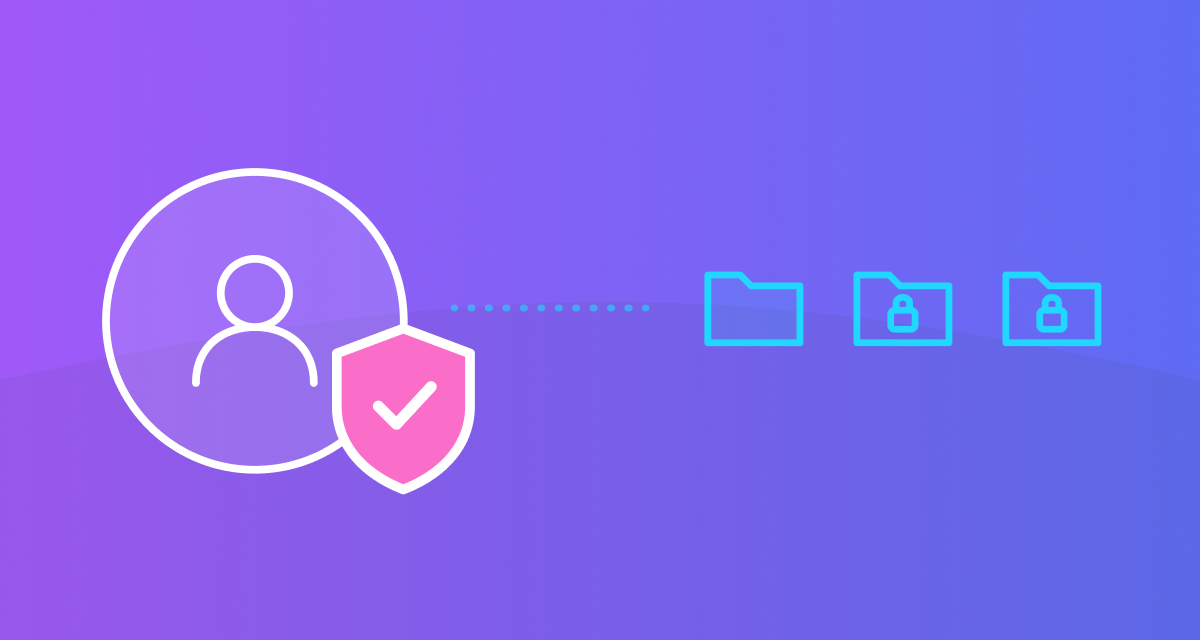
Healthcare practices also have responsibilities around protecting patient information and controlling who can access it.
A generic CRM may offer security, permissions and access controls, but practices need to consider whether the system and its configuration are appropriate for the type of information they handle.
Specialist healthcare software is designed with the needs of healthcare practices in mind, including the way patient information is stored, accessed and used across different roles.
When comparing software, it is worth looking beyond a feature list and asking practical questions about data security, user permissions, privacy requirements and how the system supports your responsibilities as a healthcare provider.
Can a CRM Work for an Healthcare Practice?
A generic CRM can work for some practices, particularly where the main requirement is managing contacts, communications or leads.
It could also have a useful role alongside practice management software. For example, a CRM may be well suited to managing marketing activity, enquiries or prospective patients before they become part of the practice’s clinical workflow.
However, as a practice grows, you may find yourself adapting a system designed for another purpose or relying on additional tools to manage clinical and practice-management workflows.
The question is not necessarily whether a CRM can be used by an healthcare practice. With enough customisation and integrations, many systems can be adapted to different uses. The more useful question is whether it provides the right foundation for the way your practice actually operates.
If appointments, patient records, clinical documentation, billing and reporting are central to your day-to-day work, software designed around those workflows may be a more natural fit.
What Should You Look for in Healthcare Software?
When comparing healthcare software, start with the everyday work your team needs to manage rather than simply looking at a list of features.
Look for software that can:
- Manage appointments and practitioner schedules
- Keep patient and clinical information organised
- Support clinical documentation
- Manage billing and claiming
- Provide useful practice reporting
- Automate routine administrative tasks
- Integrate with the tools your practice already uses
- Support different roles within your clinic
- Protect patient information appropriately
- Scale as your practice grows
It is also worth considering how easy the software is for your team to use. A system can have plenty of features, but if it makes everyday tasks more complicated, it may not be the right fit for your practice.
Choosing Software Built Around Your Practice
The right software should fit the way your practice works rather than requiring your team to work around the software.
Allied health practice management software brings core workflows such as appointments, patient information, clinical documentation, billing and reporting together in one place.
Nookal is designed around these everyday practice workflows, while a CRM can still complement your setup for areas such as marketing and lead management.
If you’re comparing software options, a free trial gives you the opportunity to see whether it fits the way your team actually works before making a decision.
See How Nookal Fits Your Practice
Try Nookal free for 30 days and see how healthcare software can bring your appointments, clinical records, billing and reporting together in one place.


Leave a Comment