Healthcare Payment Automation for Healthcare
Simplify Payments Across Your Clinic
Managing claims, invoices, and reconciliation can quickly become one of the most time-consuming parts of running a clinic.
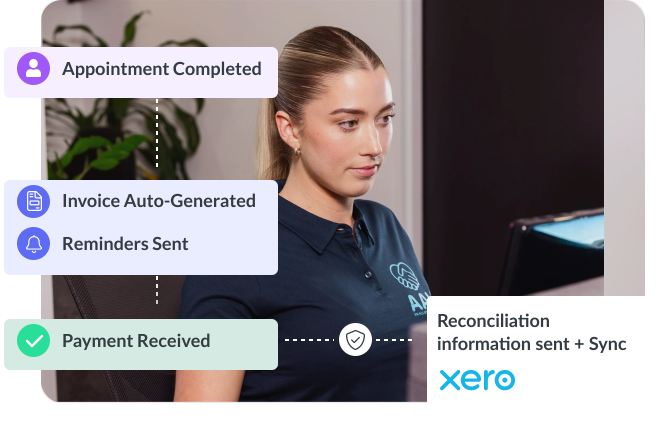
Healthcare payment automation in Nookal connects these processes into one system, helping reduce admin, improve visibility, and keep payments moving without delays.

Reminders
Automated SMS & Email

RECALLS
By appointment type & plan

WAITLISTS
Auto-fill cancellations

INTAKE
Digital forms, no paperwork
Unified Billing Workflows
Everything Connected in One Workflow
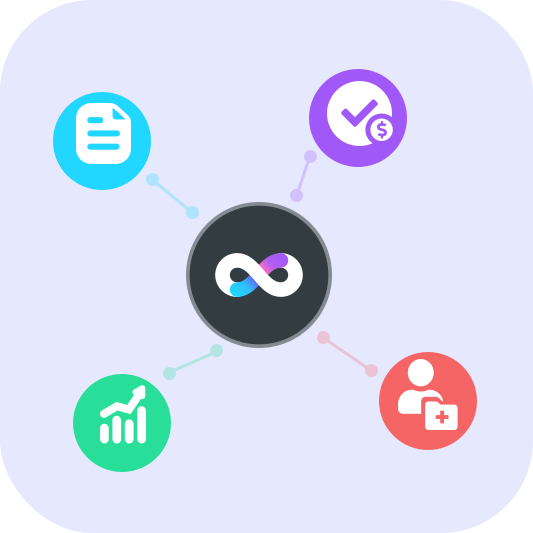
Nookal brings together billing, claims, payments, and reporting so your team doesn’t need to switch between systems or re-enter data.
- Claims linked directly to invoices
- Payments tracked in real time
- Patient billing stored within records
- Reporting available across all transactions
This creates a more consistent and manageable billing process across your clinic.
Integrated Claims Management
Claims and Insurer Workflows Made Easier
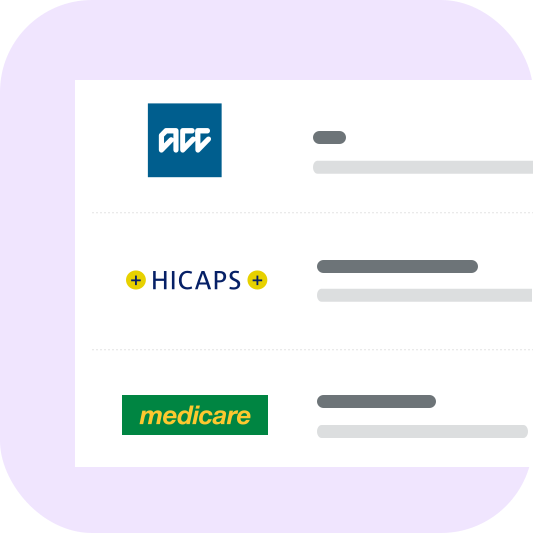
Handling claims manually can slow down payments and increase admin workload. With Nookal, claims are connected directly to the billing workflow
- Submit claims from within the invoice
- Store required claim details in patient records
- Automatically apply approved payments to invoices
- Integrations support Medicare, DVA, Tyro, Healthcode, ACC and more
By connecting claims and payments, clinics can reduce delays and improve accuracy.
Efficient Financial Reporting
Faster Reconciliation and Clear Reporting
Reconciliation doesn’t need to be time-consuming. Nookal provides clear reporting to help your team stay on top of financial activity.
- Track payments across daily, weekly, or monthly periods
- View totals by payment method
- Access detailed breakdowns when needed
- Filter transactions to resolve discrepancies quickly
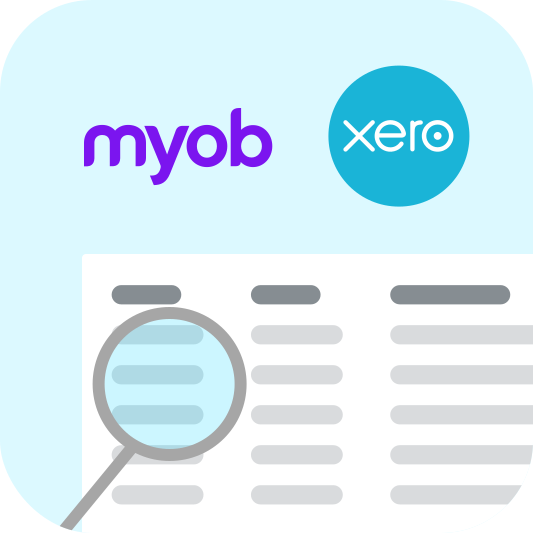
With integrations to Xero and MYOB, invoices, payments, and daily takings sync directly with your accounting system, helping reduce duplication and keep records aligned.
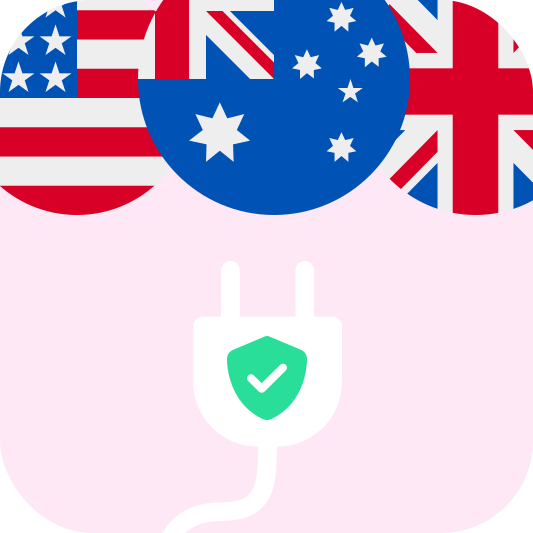
Global Billing Compliance
Built for AU, UK, and US Clinics
Healthcare payment automation needs to work with local systems and requirements. Nookal supports clinics across multiple regions through integrated workflows.


These integrations help keep billing processes consistent and easier to manage across different healthcare systems.
Optimizing US Patient Claims
Supporting Patient Billing and Reimbursement
For clinics working with US-based billing, clear documentation is essential for patient reimbursement.
- Provide itemised billing records
- Support accurate coding and claim submissions
- Reduce billing queries and follow-up
- Improve the overall patient experience
Nookal enables clinics to capture and export the required billing details, helping support reimbursement workflows.
Streamlining Clinical Revenue Cycles
Why Clinics Use Healthcare Payment Automation
When payments, claims, and reporting are connected, clinics can manage billing more efficiently.
- Reduce manual admin
- Improve payment turnaround times
- Maintain visibility over financial performance
- Simplify reconciliation and reporting
Patients benefit from clearer communication and easier payment processes, creating a smoother overall experience.
COMPLETE PRACTICE AUTOMATION
Bring Your Payments Together
Healthcare payment automation in Nookal connects every stage of your billing process in one place.
Start a free 30 day trial to see how Nookal can support your clinic.
COMMON QUESTIONS
Healthcare Payment Automation
Frequently Asked Questions
Healthcare payment automation brings together claims, invoices, and reconciliation into a single workflow. It reduces manual handling of payments, tracks claim approvals, and ensures invoices and payments stay linked — helping your clinic run more efficiently and maintain accurate financial records.
Nookal links claims directly to the invoice, allowing clinics to submit claims, store required claim details in the patient record, and automatically apply approved payments once processed. This reduces duplicate data entry and helps payments move faster.
Nookal supports integrations with Medicare, DVA, NDIS, Tyro, Healthcode, ACC, Xero, and MYOB, along with other regional claiming and accounting systems. This helps clinics keep billing, claims, and financial records connected.
Healthcare payment automation brings together claims, invoices, and reconciliation into a single workflow. It reduces manual handling of payments, tracks claim approvals, and ensures invoices and payments stay linked — helping your clinic run more efficiently and maintain accurate financial records.
Yes. Nookal supports US reimbursement workflows by allowing clinics to capture and export the billing and treatment details patients need for insurer reimbursement. This helps reduce billing queries and supports smoother patient payment processes.
Your Free Guide to Booking Automation
Get a 4-page, copy-and-use SOP pack with ready-to-paste SMS templates, no-show policies, intake checklists, recall scripts, and a 30-day action plan. Built for clinics that want to automate bookings fast.

- Please enter your first name.
- Please enter your last name.
- Please enter your email address.
- Please enter a valid email address.
- Please select your country.
- Please enter your company name.
- Please enter your phone number.
- You must consent to the terms and policies.
The PDF will open in a new tab shortly.
This site is protected by reCAPTCHA and the
Google Privacy Policy and Terms of Service apply.
Nookal News
Stay in the know.
-

Clinic Checklist to Wrap Up the Year: A Guide for Practice Managers
As soon as December hits it can feel like a mad dash to the end of the year. Between wrapping…
-
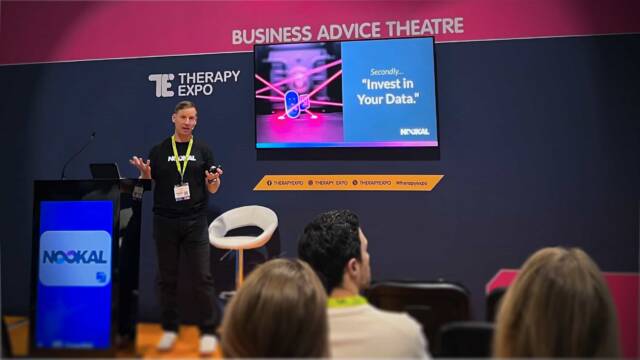
Therapy Expo 2025 Recap: Clinic Growth, Marketing Tips & AI Insight
The Therapy Expo 2025 brought together healthcare professionals keen to hear from expert speakers and collect insights they can…

Start Your Free Trial Today
Sign up and start streamlining your practice with Nookal.
- Please enter your first name.
- Please enter your last name.
- Please enter your email address.
- Please enter a valid email address.
- Please select your country.
- Please enter your company name.
- Please enter your phone number.
- You must consent to the terms and policies.
If you don’t receive the email within 5 minutes, please check your junk mail folder or email support@nookal.com.
We’ve emailed a 6-digit code to . Enter it below to start your trial.
Didn’t get it? Resend code · Use a different email
This site is protected by reCAPTCHA and the
Google Privacy Policy and Terms of Service apply.