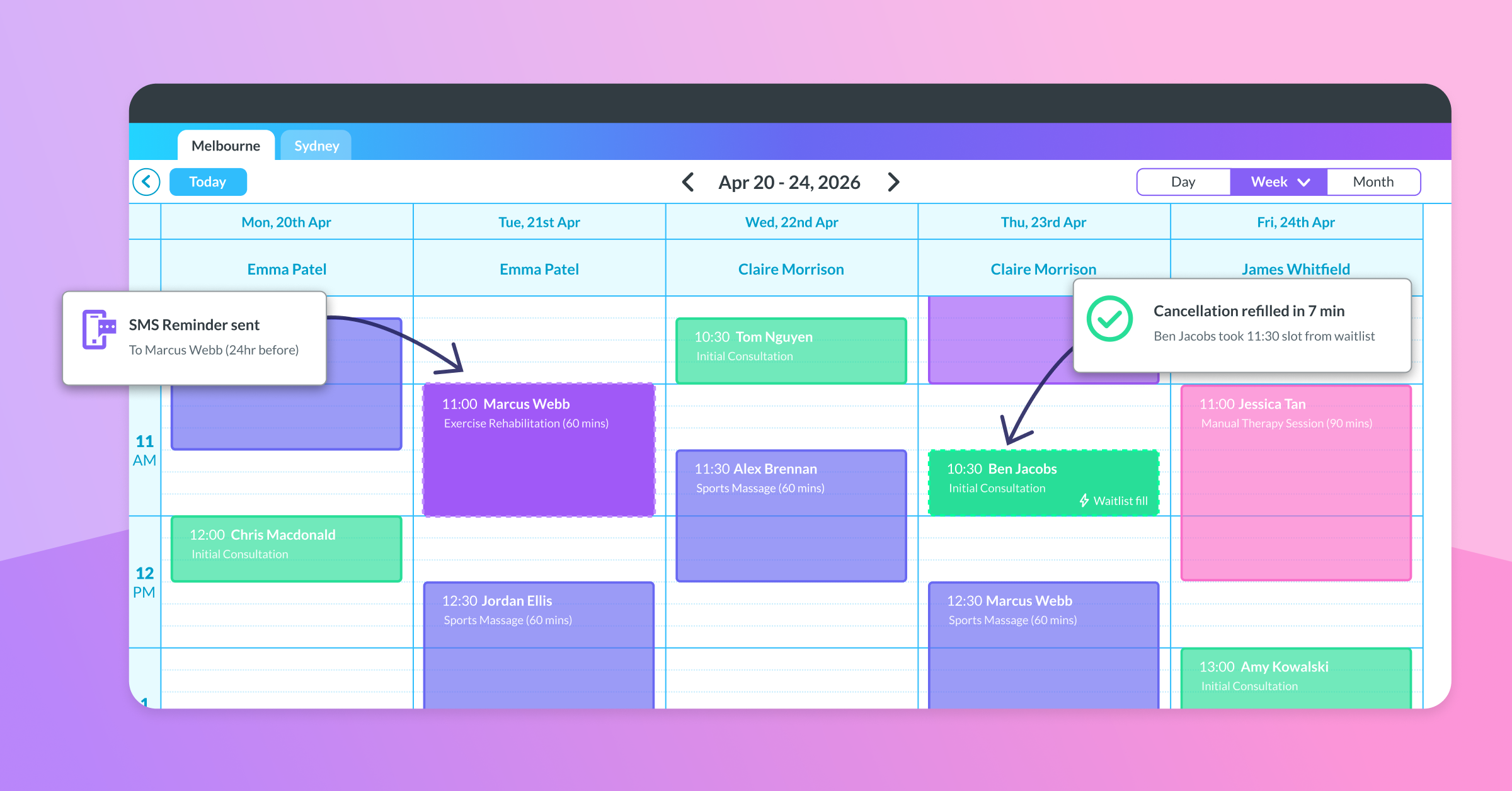
Selecting the right healthcare practice management software is about more than comparing feature lists. It is about finding a system that supports your team, improves daily workflows, and gives your clinic the tools it needs to operate effectively.
Most practice management platforms offer similar core features, including appointment scheduling, clinical notes, billing, and reporting. The difference is not always in what the software offers — it is how effectively those tools work together to support your clinic’s daily workflow.
Whether you are opening your first clinic, expanding a multidisciplinary practice, or managing multiple locations, the software you choose can have a significant impact on efficiency, patient experience, and your ability to grow.
This guide explains what to consider when choosing healthcare practice management software in 2026, helping you select a system that supports both your current needs and future goals.
What Does Practice Management Software Do?
Practice management software is the central system many healthcare clinics use to manage their daily operations.
The right system should help your clinic:
- Manage appointments and practitioner schedules
- Maintain accurate patient records
- Streamline billing and payments
- Improve patient communication
- Access meaningful business insights
- Reduce repetitive administrative tasks
For many clinics, practice management software becomes the operational foundation that connects the systems and processes needed to run the business efficiently.
Why Choosing Practice Management Software Is More Complex in 2026
The way healthcare clinics operate has changed significantly.
Patients increasingly expect convenient digital communication and smoother experiences. Clinics are managing larger amounts of information, growing teams, and increasing operational demands while still needing to deliver high-quality care.
Because of this, choosing software is no longer just a technology decision. It is a decision about how your clinic will operate every day.
Many clinics do not replace their software because it stops working. They replace it because the system no longer supports their current workflow or future plans.
Common signs your clinic may have outgrown its software include:
- Administrative tasks taking longer than expected
- Difficulty accessing useful reporting
- Patient communication spread across multiple systems
- Too many manual processes
- Limited visibility into clinic performance
- Challenges supporting additional practitioners or locations
A good system should make running your clinic easier, not create additional work.
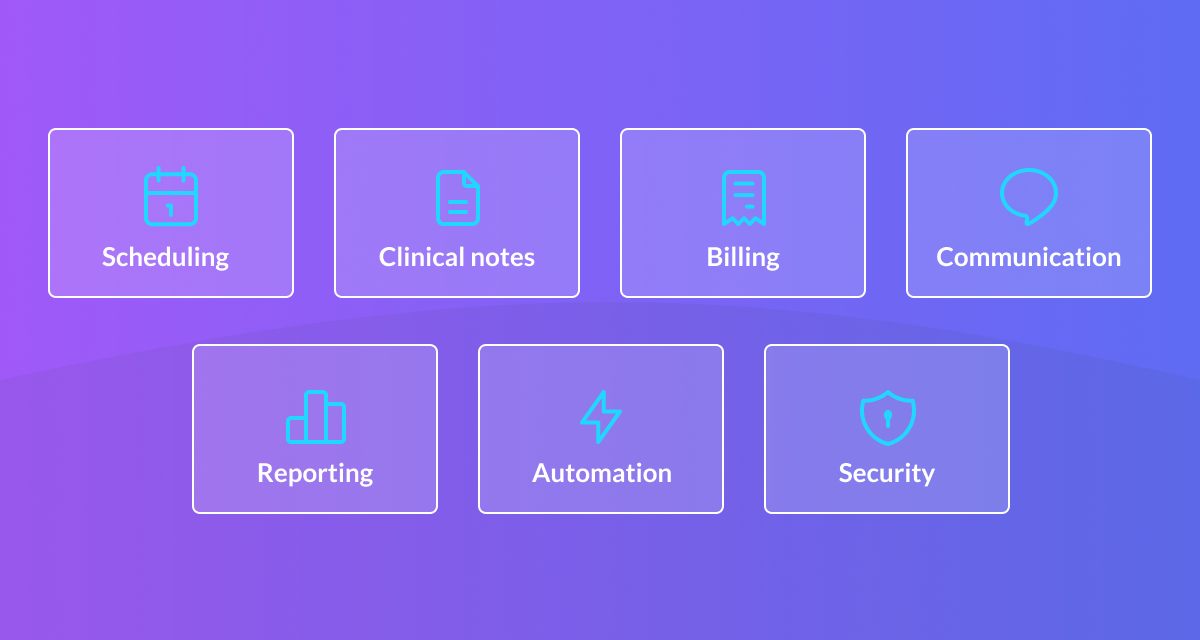 Key Features to Look for in Healthcare Practice Management Software
Every clinic has different priorities, but several capabilities consistently have the greatest impact on day-to-day operations.
Appointment Scheduling
Efficient Scheduling is at the centre of most clinics.
A strong system should make it simple to manage:
- Practitioner availability
- Recurring appointments
- Online bookings
- Waiting lists
- Calendar coordination
The goal is to reduce scheduling friction while creating a smoother experience for both your team and patients.
Clinical Documentation
Clinical notes should be efficient, secure, and easy to access.
Healthcare professionals also have professional obligations around maintaining accurate and appropriate clinical records.
Look for features such as:
- Customisable templates
- Integrated patient records
- Simple note-taking workflows
- Secure document storage
- In-built outcome measures and plans
Good documentation tools help practitioners spend less time managing records and more time focusing on care.
Billing and Payments
Efficient billing processes help reduce administrative workload and improve accuracy.
Consider whether the software supports:
- Invoicing
- Payment processing
- Claiming requirements relevant to your services
- Financial reporting
The fewer manual steps involved, the easier it becomes to manage the financial side of your clinic.
Patient Communication
Communication tools can improve patient engagement and reduce avoidable administration.
Useful features may include:
- Automated appointment confirmations & reminders
- Automated recalls
- Secure messaging
- Patient notifications
These tools help create a more consistent patient experience while reducing follow-up tasks for staff.
Reporting and Business Insights
As clinics grow, access to meaningful reporting becomes increasingly important.
A strong reporting system should provide visibility into areas such as:
- Clinic performance
- Practitioner activity
- Revenue trends
- Appointment patterns
- Operational efficiency
Clear insights allow clinic owners and managers to make better decisions based on accurate information.
Automation and AI
Modern practice management platforms is increasingly include automation tools and AI to support clinic teams.
These tools can help with:
- Reducing repetitive administration
- Improving workflow efficiency
- Supporting documentation processes
- Streamlining everyday tasks
The best technology should make work easier without adding unnecessary complexity.
Security and Scalability
Your software should support your clinic as it grows. Security should also be a key consideration, with healthcare organisations needing to protect sensitive patient information and maintain safe digital systems.
Important considerations include:
- Secure cloud-based access
- Multiple users
- Additional practitioners
- Multiple locations
- Consistent workflows across teams
Choosing a system that can scale reduces the risk of needing to change platforms again as your clinic expands.

Comparing Practice Management Software Options and Pricing
There are many practice management software options available for healthcare clinics, and the right choice depends on how your clinic operates, what you need today, and where you’re planning to grow.
While most platforms offer similar core features, they often differ in how they support:
- Everyday workflows
- Automation
- Reporting
- Communication
- Larger teams and organisations
When comparing software providers, consider:
- Does the platform fit the way your clinic works?
- Will it reduce manual administration?
- Can it support your team as your needs change?
- Does it provide the reporting and visibility you need?
- Is it easy for your team to learn and use?
Practice management software pricing can vary depending on factors such as:
- Clinic size
- Number of users
- Required features
- Automation needs
- Reporting requirements
- Support levels
Some clinics may only need reliable tools for appointments, notes, payments, and patient communication. Others may require more advanced capabilities for automation, reporting, security, or multi-location management.
Flexible pricing plans are available to support healthcare clinics at different stages of growth. Plans start from $49 per practitioner per month, with options available for smaller practices through to larger organisations with more complex needs.
Allied health clinics can choose from a range of practice management software options available, including Nookal, Cliniko, Halaxy, and Zanda. Each system takes a different approach to supporting workflows, automation, reporting, and clinic growth.
The right choice is not always the cheapest option or the platform with the most features. It is the one that provides the right tools for your clinic today while allowing room to adapt as your needs change.

Finding the Right Software Based on Your Clinic’s Stage
Different clinics have different priorities depending on where they are in their growth journey.
Starting a Clinic: Building Strong Foundations
For new clinics and smaller practices, simplicity and reliability are usually the highest priorities.
Important features often include:
- Appointment management
- Clinical notes
- Patient records
- Billing and invoicing
- Basic communication tools
At this stage, the ideal system should be easy to learn and support efficient daily operations without unnecessary complexity.
Growing Clinics: Improving Efficiency and Visibility
As clinics grow, managing increased patient demand and larger teams becomes more challenging.
Growing practices often benefit from:
- Workflow automation
- More advanced reporting
- Automated recalls and follow-ups
- Better team coordination
- Tools that reduce administrative workload
Small improvements across everyday processes can create significant efficiency gains as the clinic expands.
Multi-Location Clinics: Creating Consistency at Scale
Larger clinics and organisations need stronger oversight and standardisation.
Key priorities often include:
- Visibility across locations
- Consistent processes
- Team management capabilities
- Security and compliance
- Reliable reporting across the organisation
At this stage, software should help maintain quality and consistency while supporting continued growth.
 The Most Common Mistake When Selecting Software
One of the most common mistakes clinics make is choosing software based only on their current situation.
It is easy to focus on:
- Current patient numbers
- Current team size
- Current challenges
However, software is a long-term operational decision.
The system that works well for a small clinic may not provide the flexibility needed when you add practitioners, services, or locations.
A better approach is to choose software that supports where your clinic is heading, not just where it is today.
Finding a System That Supports Future Growth
The strongest software decisions usually come down to finding the right balance between simplicity and capability.
Look for a system that provides:
- Flexibility rather than restrictive workflows
- Scalability rather than short-term solutions
- Connected systems rather than disconnected tools
- Automation rather than manual processes
The right platform should feel practical today while giving your clinic room to grow tomorrow.
Final Thoughts
Practice management software becomes part of how your clinic operates every day.
The best choice is not necessarily the platform with the most features or the simplest option available. It is the system that fits the way your clinic works now, supports your team, and gives you the flexibility to adapt as your needs change.
A well-chosen platform can help create more efficient workflows, reduce administrative pressure, improve visibility, and provide a stronger foundation for long-term clinic success.
Ready to See What Fits Your Clinic?
Once you understand your clinic’s priorities, the next step is finding a platform that aligns with how your team works today while supporting where your practice is heading tomorrow.
Nookal provides plans designed to support healthcare clinics at different stages of growth, from smaller practices through to larger organisations.
Each plan is built around different operational needs, helping clinics choose a solution that matches their current requirements while providing room to grow.
Explore our plans to find the right fit for your clinic, or start your free trial today and experience Nookal for yourself.




Leave a Comment