Know Exactly How Your Clinic Is Performing
Clinic Reporting and KPI Dashboards for Allied Health Practices
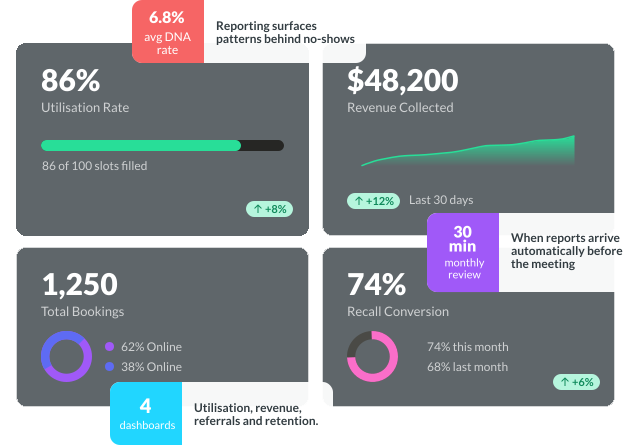
Nookal’s reporting tools give you a clear view of utilisation, revenue, referrals, and patient retention — so every monthly review leads to faster decisions.
Trusted by 9,000+ practioners across Australia.
Utilisation
Fill More Appointments Without Adding Staff
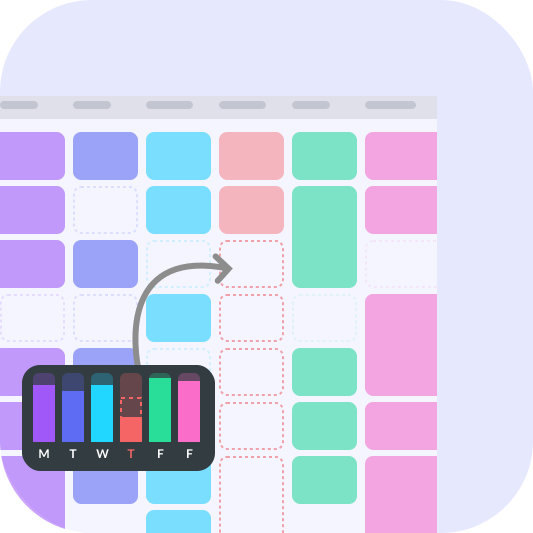
A utilisation dashboard shows how much of your clinical time is actually being used. When utilisation is low, the issue usually isn’t demand — it’s visibility, reminder timing, or booking rules creating gaps nobody can fill.
- Monitor utilisation by appointment, location, service type, or clinician
- Track DNA and late cancellation rates across the whole clinic or by team
- Spot under-filled books before they hit monthly revenue
- Adjust slot durations, booking rules, and online booking visibility in one place
Revenue & Collections
Revenue and Collections Reporting: Understand What Is Earned and What Is Missed
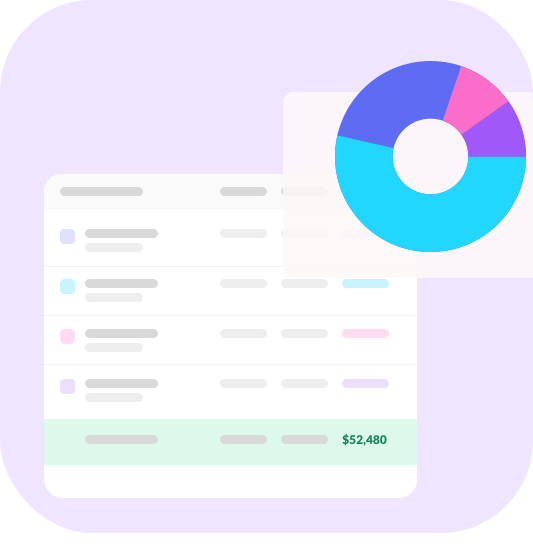
A revenue dashboard answers three questions fast: how much was billed, how much was collected, and where are payments slowing down?
- Review invoices raised, collected, and outstanding by period, clinician, or location
- Monitor ageing balances and reconciliation status in one view
- Spot billing leakage from uninvoiced bookings or overdue claims
- Filter by provider, service type, or funding source
- Support EOFY prep with revenue summaries and GST-relevant invoice data
Referral Tracking
Referral and Booking Source Reporting: See What Is Actually Filling Your Calendar
Most clinics invest in GP relationships, advertising, and partnerships without knowing which activities are actually filling the diary. Referral source reporting closes that gap.
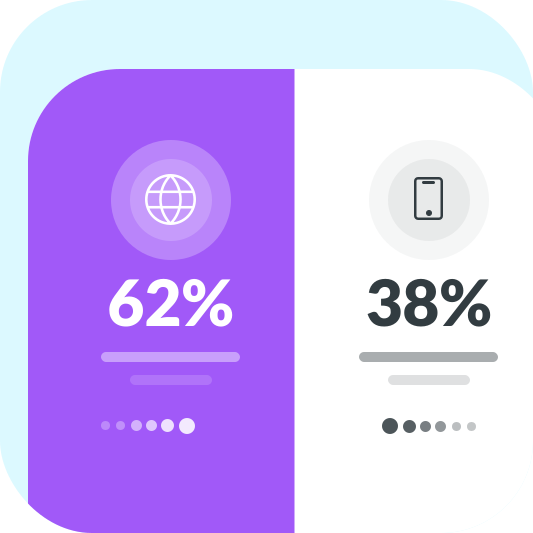
- View bookings by source — online, phone, GP referral, word-of-mouth, or campaign
- Track referral source mix month-on-month by service, location, or clinician
- Identify which channels drive new patients versus repeat visits
- Pair source data with recall and retention figures for a fuller picture
Patient Retention
More Patients Returning = More Revenue, Automatically
Recall and retention reporting shows how well follow-up is converting and where drop-off is happening — so your team can act before it becomes a bigger issue.
- Monitor recall conversion rates by service type, clinician, or appointment reason
- Track repeat booking behaviour and follow-up patterns across the clinic
- Identify where patients are dropping off in their care journey
- Segment retention data by clinician or location to spot team-specific patterns
Monthly Review
The 30-minute review: turn reporting into decisions
The most effective clinics run one structured monthly review and ask three questions: what changed, what’s off track, and what do we do next?
- 0–5 min: Skim the dashboard. Note which KPIs moved and flag anything that explains the shift.
- 5–15 min: Use Red/Amber/Green to shortlist one or two issues.
- 15–25 min: Agree on one or two actions with a clear owner and due date.
- 25–30 min: Log actions and schedule reports to arrive before the next meeting.

Performance Benchmarks
Simple Targets: What Good Looks Like Over Time
Just watch whether your numbers are moving in the right direction each month:
- Utilisation trends upward
- DNAs and late cancellations trend downward
- Revenue collected at booking increases
- Referral source visibility improves
- Recall conversion strengthens
- Overdue balances trend downward
How It Works
CLINIC REPORTING WORKFLOW: FROM DATA to DECISION
For clinics working with US-based billing, clear documentation is essential for patient reimbursement.
- Provide itemised billing records
- Support accurate coding and claim submissions
- Reduce billing queries and follow-up
- Improve the overall patient experience
Nookal enables clinics to capture and export the required billing details, helping support reimbursement workflows.

COMPLETE PRACTICE AUTOMATION
Start Measuring What Matters
A useful clinic dashboard just needs to show the numbers that help you make better decisions — reviewed consistently, with a clear action attached to anything that isn’t moving in the right direction.
COMMON QUESTIONS
Clinic Automation —
Frequently Asked Questions
Start with four: utilisation, no-shows, revenue collected, and referral source mix. Add more as your reporting routine matures.
Monthly is enough for most clinics. Weekly spot checks on utilisation and collections can help during high-demand periods.
Start with what you have. Consistent intake capture makes a visible difference within one to two months.
Yes. Nookal lets you schedule reports to specific team members weekly, fortnightly, or monthly.
Finance reports cover revenue summaries, GST-relevant invoice data, and reconciliation views. The Xero integration helps close the month faster.
Yes. All reports filter by location, clinician, service type, or date range. Multi-site clinics can view at group or individual location level.
Your Free Guide to Booking Automation
Get a 4-page, copy-and-use SOP pack with ready-to-paste SMS templates, no-show policies, intake checklists, recall scripts, and a 30-day action plan. Built for clinics that want to automate bookings fast.

- Please enter your first name.
- Please enter your last name.
- Please enter your email address.
- Please enter a valid email address.
- Please select your country.
- Please enter your company name.
- Please enter your phone number.
- You must consent to the terms and policies.
The PDF will open in a new tab shortly.
This site is protected by reCAPTCHA and the
Google Privacy Policy and Terms of Service apply.
Nookal News
Stay in the know.
-

Clinic Checklist to Wrap Up the Year: A Guide for Practice Managers
As soon as December hits it can feel like a mad dash to the end of the year. Between wrapping…
-
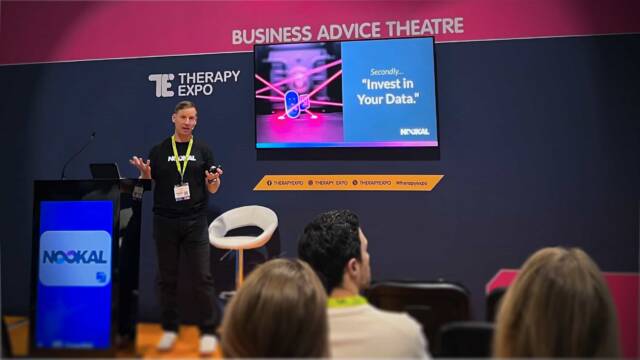
Therapy Expo 2025 Recap: Clinic Growth, Marketing Tips & AI Insight
The Therapy Expo 2025 brought together allied health professionals keen to hear from expert speakers and collect insights they can…