
Introducing AI to your clinic shouldn’t mean spending hours learning new tools or completely changing the way your team works.
The biggest opportunities with AI are often found in everyday tasks that already take up valuable time — from clinical documentation and client communication to reporting and administration.
The goal isn’t to use AI everywhere. It’s to identify where it can make the biggest difference by reducing repetitive work, supporting your team, and making everyday workflows easier.
The key is to start small. Choose one workflow, measure the impact, and build from there.
Here are five practical ways AI can start making a difference in your clinic this week.
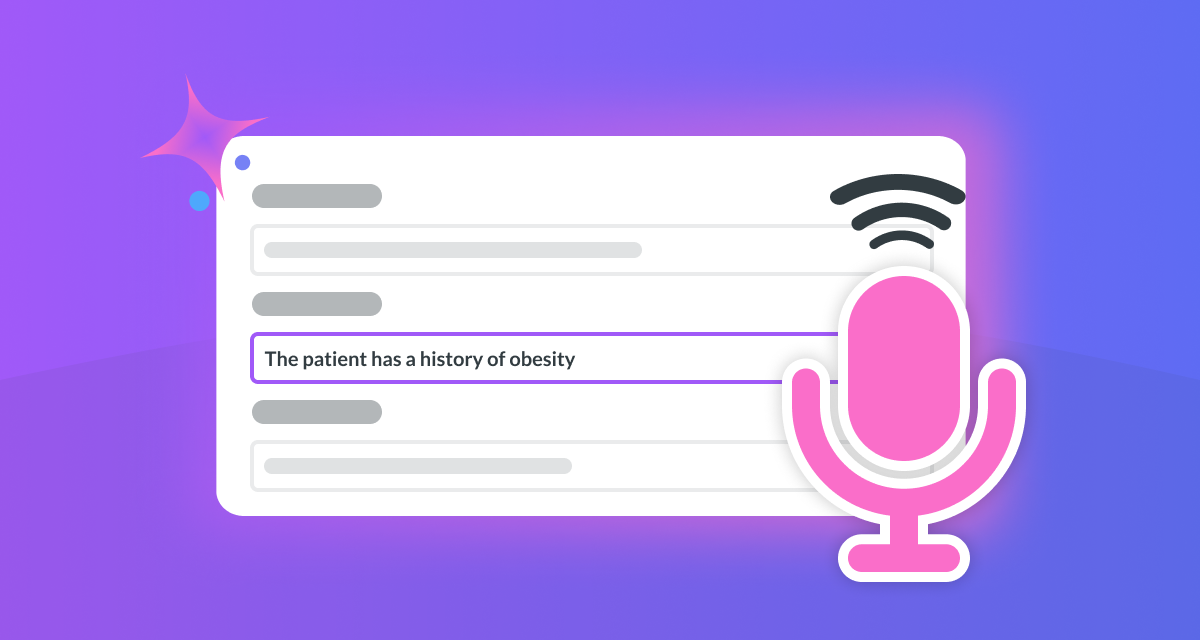 1. Use AI to Speed Up Clinical Documentation
Clinical notes are essential, but the time spent documenting after appointments can quickly add up.
Instead of starting every note from scratch, AI tools can help generate a first draft using the information you’ve captured. Practitioners can then review, edit, and approve the final version, ensuring clinical judgement remains at the centre of the process.
AI can support clinical documentation by:
- Creating a structured draft from captured information
- Organising notes into a consistent format
- Reducing repetitive manual documentation
The important thing is that while AI supports the process, the clinician remains responsible for reviewing accuracy and approving the final record.
A simple win: Spend less time catching up on documentation and more time focused on patient care.

2. Use AI Voice Tools for Faster Clinical Notes
After a busy day of appointments, finding the time and focus to complete documentation can be challenging.
Voice-based AI tools can help practitioners record information naturally by turning spoken notes into structured text that can be reviewed and refined.
Rather than trying to remember every detail later, clinicians can quickly record their thoughts while the appointment is still fresh in their mind.
Voice AI tools can help by:
- Collecting key details immediately after appointments
- Reducing typing time
- Creating a more efficient documentation workflow
A simple win: Spend less time writing and more time moving through your day.
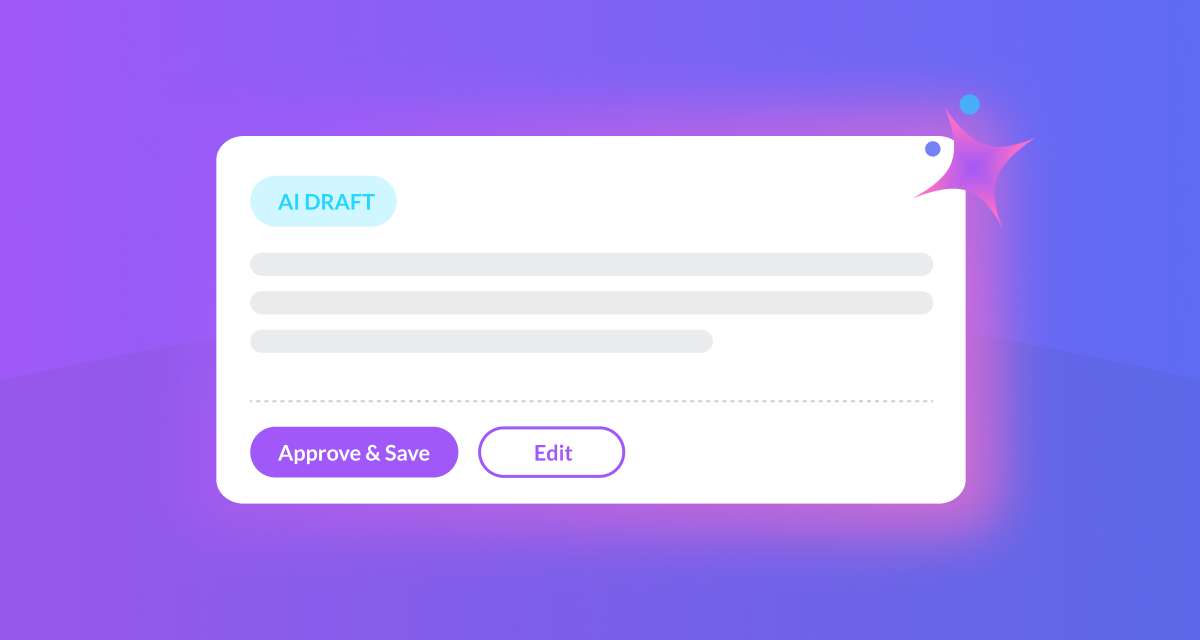 3. Use AI to Draft Referral Letters and Reports
Referral letters, reports, and client communications often follow similar structures, but they still take valuable time to prepare.
AI can produce a well structured first draft using the information already available, allowing your team to review, customise, and approve the final version.
This means your expertise remains at the centre, while AI helps remove much of the repetitive work involved in creating routine documents.
AI can help create drafts for:
- Referral letters
- Client summaries
- Follow-up communications
- General practice correspondence
A simple win: Create routine documents faster while keeping full control over the final version.
 4. Use AI to Gain Better Insights from Your Clinic
Your clinic generates valuable information every day, but finding the insights that matter can take time.
AI can help summarise reports, identify trends, and highlight insights that might otherwise require hours of manual analysis.
AI could help answer questions such as:
- Are cancellations increasing?
- Which practitioners have the highest utilisation?
- What are our busiest appointment times?
- Which services are growing?
The value isn’t replacing decision-making — it’s giving clinic owners and managers quicker access to the information they need to make informed decisions.
A simple win: Make better-informed decisions without spending hours analysing data.
 5. Identify Your First AI Workflow
One of the biggest mistakes clinics make is trying to implement too much at once.
Instead, start by identifying one area that feels repetitive, time-consuming, or frustrating for your team and consider whether automation or AI could help improve the process.
Ask yourself:
- Is this task repeated every day?
- Does it involve manual typing or repetitive admin?
- Could AI create a useful first draft?
- Would improving this process free up more time for patient care?
Test one workflow, measure the results, gather feedback from your team, and build from there.
Small improvements soon add up.
- Did this save time?
- Did it make the process easier?
- Did the team find it useful?
A simple win: Create meaningful progress without overwhelming your team.
Where AI Can Help Your Clinic
Every clinic is different, which means the best place to start with AI will be different too.
Rather than trying to change everything, focus on the areas where your team spends the most time on repetitive administrative tasks. Even one small improvement can free up valuable time, improve efficiency, and allow practitioners to focus more on delivering exceptional patient care.
Explore how Nookal helps clinics simplify workflows through automation and AI.


Leave a Comment